Evidence is scattered across email
Photos, scans and clips arrive one attachment at a time, under different subject lines, some too big to send.

 Book a 30-minute callBook a call
RPL Software
The problem
The fix. RPL software and evidence collection. Applicants upload evidence in one place, get reminders until it is complete, and the assessor signs off against the unit.
How RPL goes wrong today
Photos, scans and clips arrive one attachment at a time, under different subject lines, some too big to send.
Half an application sits in an inbox. Nobody is sure who is waiting on whom, so it stalls.
Before any judgement, someone has to work out what each file is, which unit it belongs to and whether anything is missing.
The costEvery stalled application is a fee not yet earned and an assessor hour spent sorting files.
The fix is one place for it all: a private link, a checklist everyone can see, and a record both people sign.
What goes in the file
Applicants use their own phone. Trainers use the recorder. Supervisors sign off. Nothing sits in an inbox waiting to be filed.
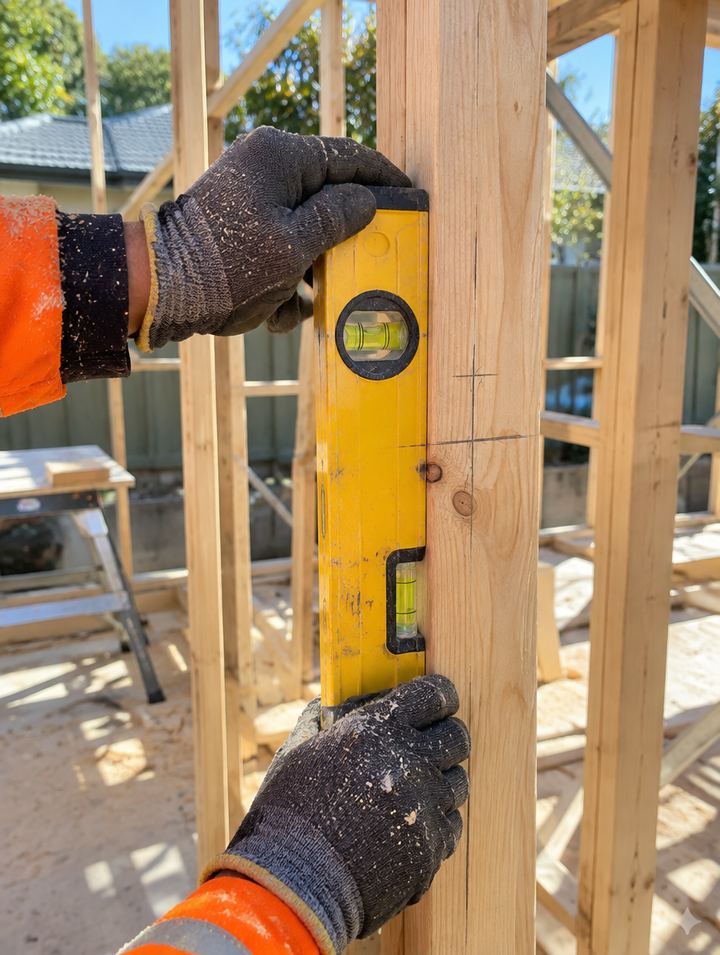
Applicants take the photo on their phone, in their portal. It is time-stamped and filed against the evidence item.
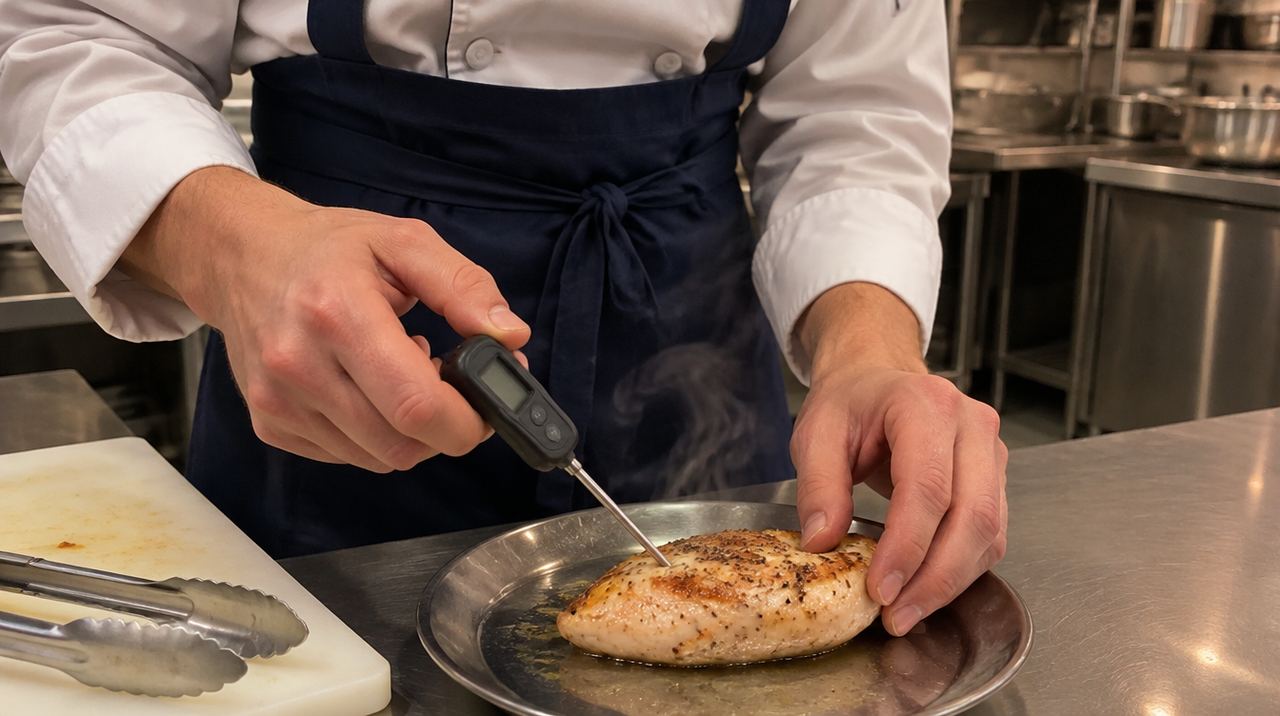
A short clip of the task being done, recorded or uploaded by the applicant and kept with the application.

Voice answer 2 of 4
"First I check the SWMS and the exclusion zone, then I put on my PPE."
Applicants can record or explain an item out loud instead of writing it. The assessor hears the real answer.
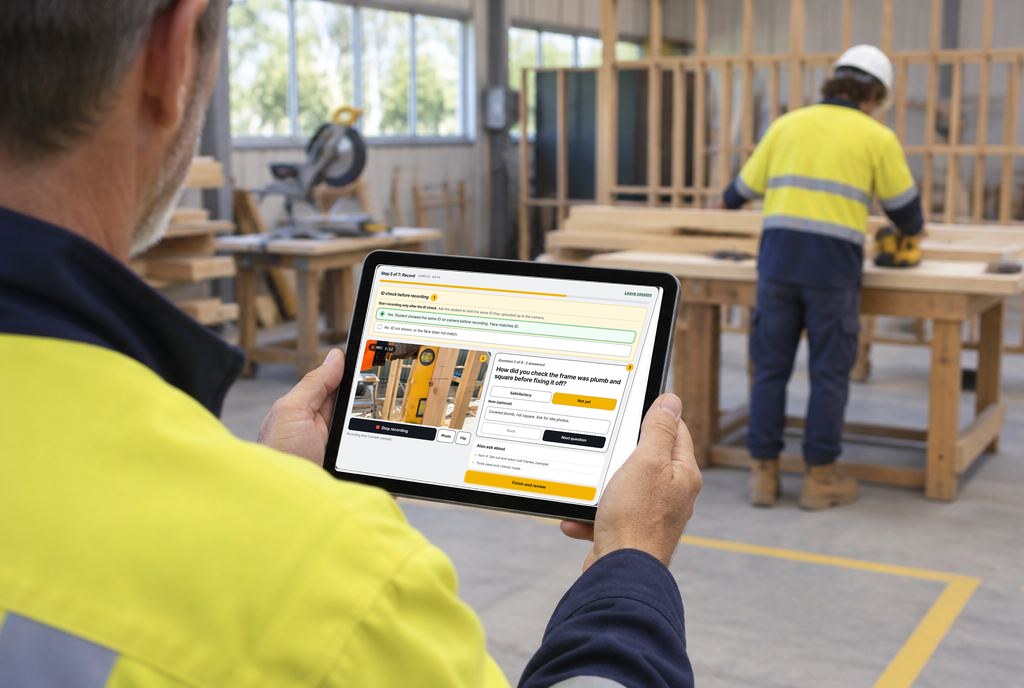
Trainer recorder
For interviews and observations. The trainer ticks each step as it happens and each tick stamps a time.

Workplace supervisors confirm what they have seen and sign off. Their report sits beside the applicant's own evidence.
Evidence checklist, sample applicant
Every item the qualification needs in one list, ticked as it arrives, ready for the assessor.
The completion record
Each unit ends in one record. The assessor ticks the rules of evidence, writes the comment, and the trainer and the student both sign with the date and time logged.
Any change after signing needs both to sign again.
The assessor makes the decision. The software never marks anyone competent.
Tasks
Rules of evidence
Assessor's comment
Trainer recorder
This is the recorder screen. The trainer checks the student's ID on camera, records, and marks each question Satisfactory or Not yet. Both people sign before the session record is filed.
ID check before recording 1
Start recording only after the ID check. Ask the student to hold the same ID they uploaded up to the camera.
Yes. Student showed the same ID on camera before recording. Face matches ID. No. ID not shown, or the face does not match.Question 1 of 9 · 0 answered1 answered
Note (optional)
Question 2 of 9 · 1 answered2 answered
Note (optional)
Then both sign 4
The student holds up the same ID they uploaded before recording starts.
Video of the interview or the task, with photos when needed.
Each question is marked Satisfactory or Not yet, with a note.
The student and the trainer both sign, then the session record is filed.
Easy to manage
Applicants see what is still needed and add evidence in a tap. Trainers and assessors see what is ready. Reminders do the chasing.
Hi Alex
Sample student. Fictional data.
Still needed
Add evidence
Applications
PhotoVideoThird partyTrainer's reasons Observed twice on site. Spoken answers matched the task.
Ask for moreExport packSign offWhat else is inside
From the first upload to the evidence pack, each step has its own screen. Sample data shown.
The CV is read in the browser and fills most of the form. No AI is involved. Seven steps end in declarations and an on-screen signature.
If the connection drops, the upload carries on from where it stopped.
An office checklist, "Resend link" and "Reset link" buttons, a gap training queue and a daily summary email. An audit log and a retention view sit beside them.
A unit pack PDF with an index, attendance, uploads and the sign-off page. An evidence pack export for the whole application.
A 30-minute walkthrough using one of your units. Australian owned and run. Reply within one business day.
Software, AI training and video for Australian training providers and businesses. Australian owned and run.© 2026 Mantra Works (formerly Media Mantra) · Australia-wide · AI Work Ready is a separate brand